
The Company Dashboard is your central hub for managing all aspects of your organisation’s fundraising on GiveWheel. From here, you can oversee campaigns, monitor employee engagement, track donations, and measure the collective impact of your fundraising efforts.
Getting Started
To access your company dashboard:
Log in to your GiveWheel account.
Click on your profile icon in the top-right corner.
Select your company from the dropdown menu.
Or, if you haven't yet signed up with GiveWheel, start by registering your organisation onsite. You can read more about this below:
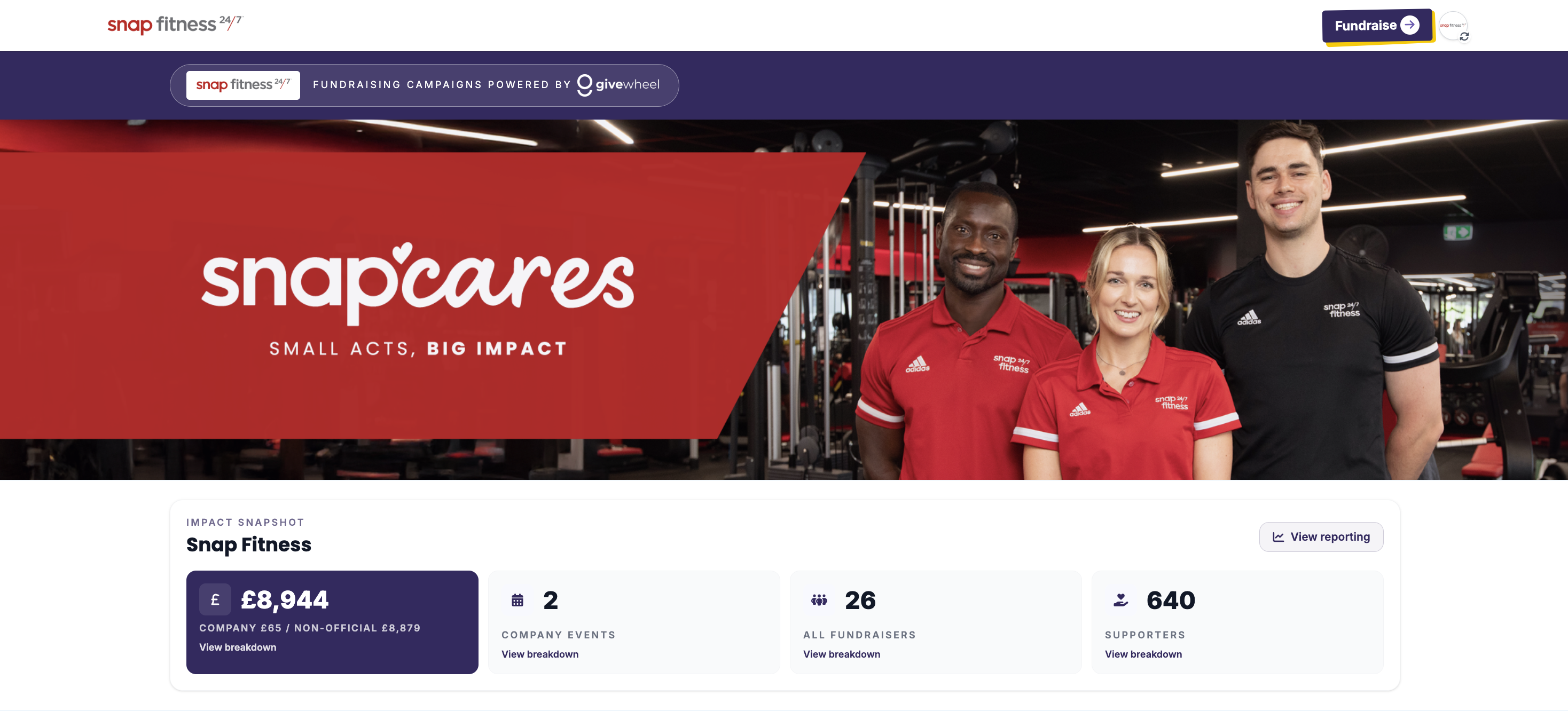
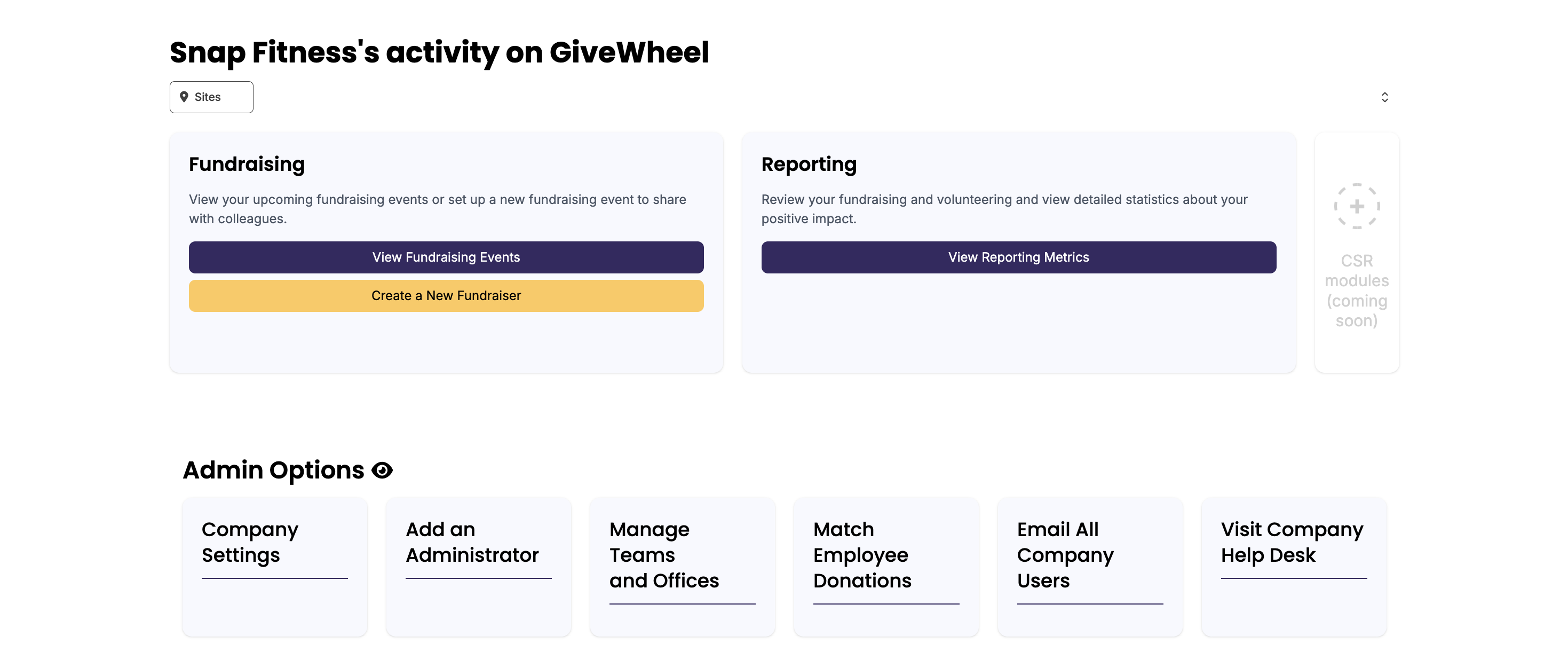
Features of the Company Dashboard
Your dashboard is designed to give you full visibility and control over your company's fundraising activity. Here's what you can do:
View Company-Wide Performance
See total funds raised across all campaigns, with breakdowns by event, team, date, office or fundraising page.
Filter fundraising data by Company Official, Employee, date, page type, company site and more.
Track your impact across multiple charities, including charity allocation breakdowns.
Review your company's fundraising history and charity partnerships.
Create & Manage Fundraising
Create new fundraising campaigns, including:
Individual fundraising pages.
Raffles, auctions and ticketed events.
Team fundraising pages and company-wide challenges.
Edit and manage fundraising pages created by your organisation.
Engage Your Employees
Send updates and messages to employees fundraising under your company.
Track participation across teams, departments and offices.
Encourage friendly competition with team fundraising and leaderboards.
Customise Your Company Profile
Add your company logo, cover image and mission statement.
Showcase your branding across all company fundraising pages.
If you have any questions about your Company Dashboard, or would like a walkthrough of its features, please don't hesitate to get in touch at support@givewheel.com, and we'll be happy to help.