
How can I thank a fundraiser?
As a registered charity administrator, you can view everyone who is fundraising for your charity through your GiveWheel Charity Dashboard.
To access this information:
Log in to your GiveWheel Charity Dashboard using your charity administrator account.
Open your Fundraiser Reporting.
Select the purple "Export" button in the top-right corner of the page (see the image below for reference). This will generate a CSV report containing all fundraiser information, which will then be sent to your registered email address.
Browse the list of fundraisers supporting your charity!
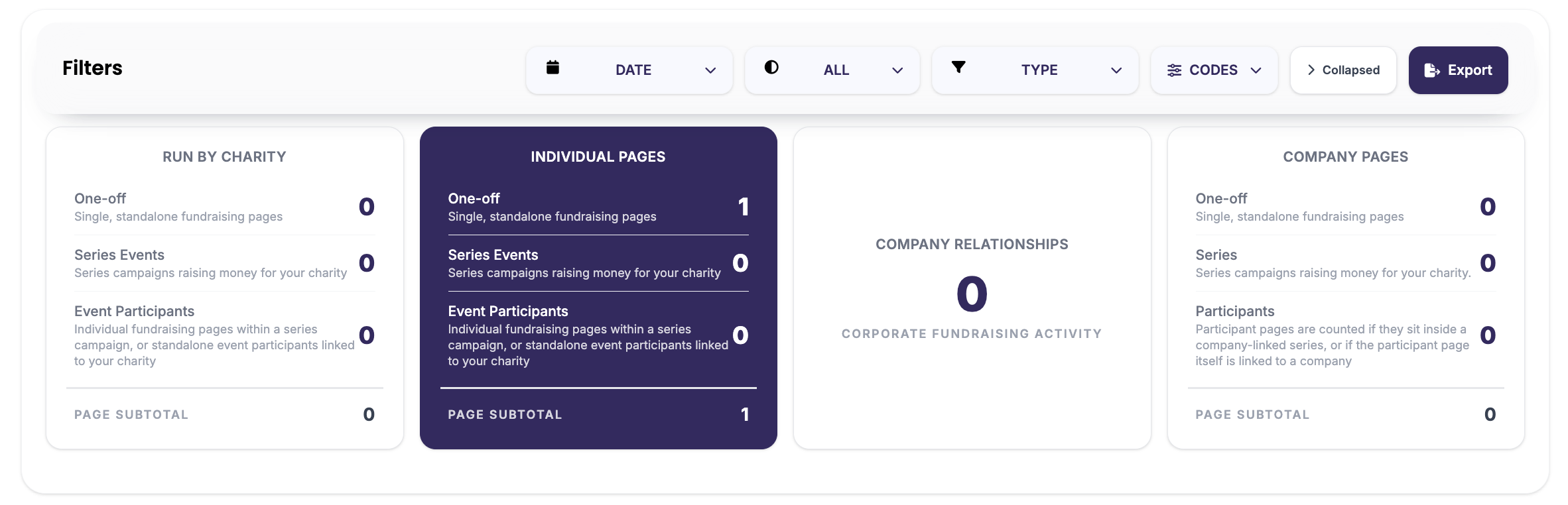
From here, you can view each fundraiser's details, fundraising activity and contact information, making it easy to thank supporters and recognise the impact of their fundraising efforts.
Need help?
If you're unable to access fundraiser reporting, please check that you're logged in using your charity administrator account. If you continue to experience any issues, our support team ta support@givewheel.com, and we'll be happy to help.