
GiveWheel supports a variety of customisable events to suit a range of event types including one-off events, team efforts, mass-participation events, ticketed events, raffles and auctions and more! All event types are free-to-use and support unlimited multi-charity fundraising at any % split with no platform fees deducted from donations.
Individual:
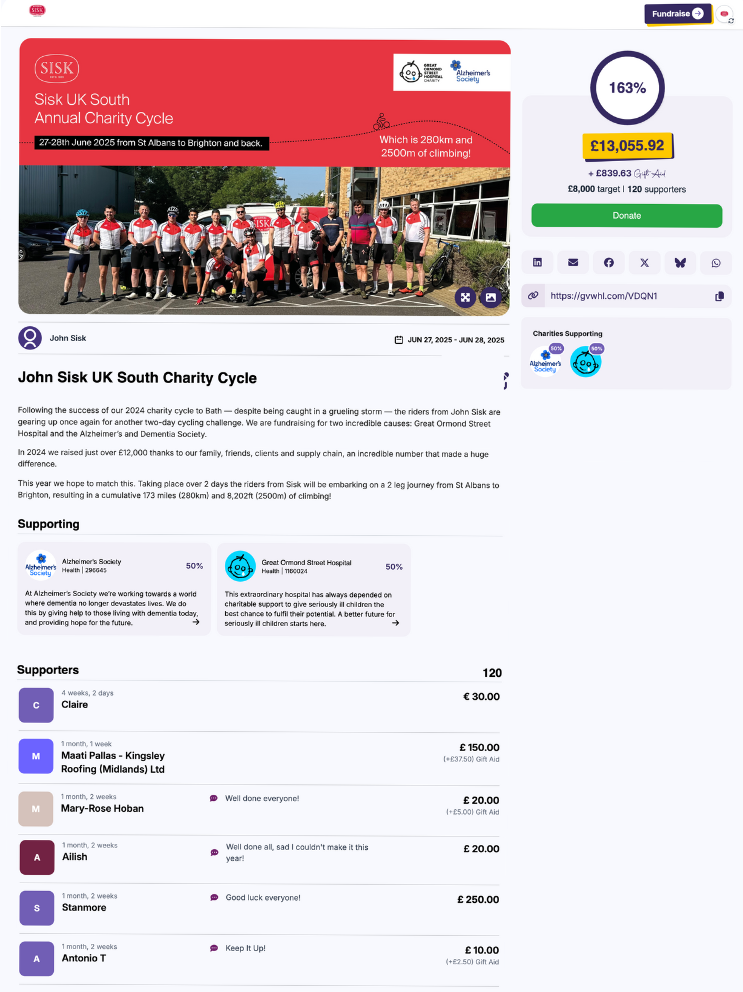
Set up a single fundraising event to raise funds for multiple charities at any % split. Suitable for one-off events requiring a single page to collect donations. Add media, thank you messages and update posts or share your page via QR code, custom widgets and more.
Series:
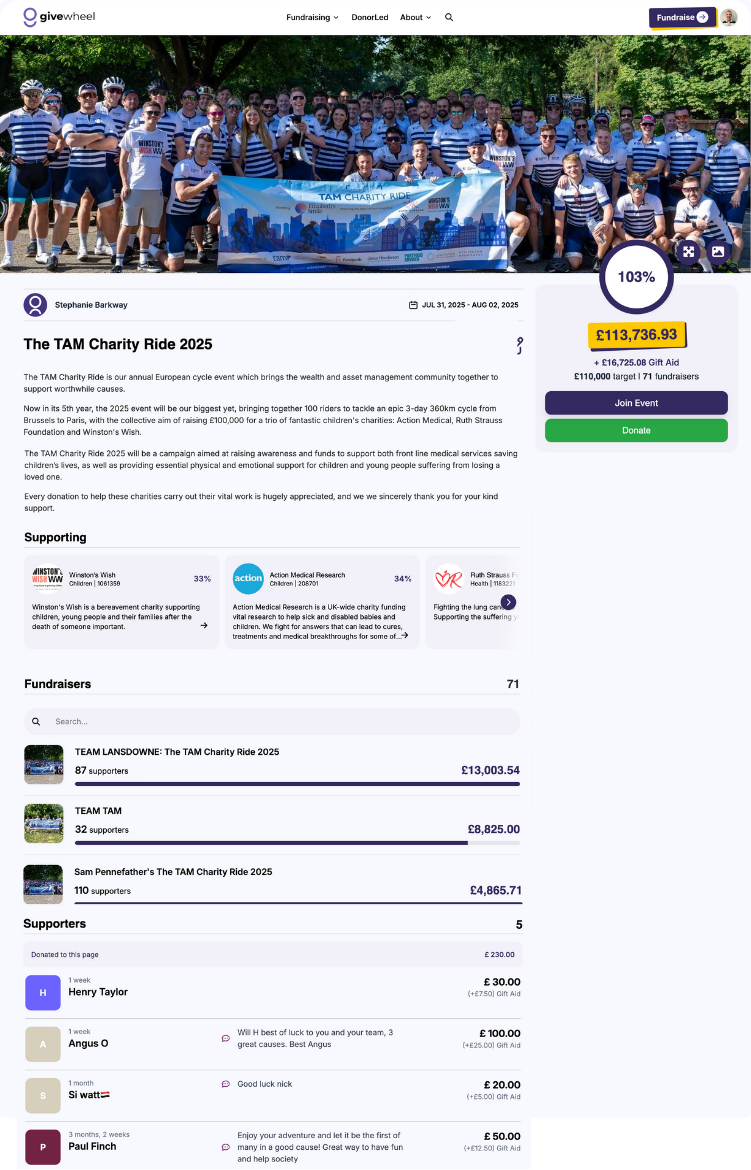
Set up multiple sub-pages in a series to run an event where a number of individual pages contribute towards a collective total. Suitable for a range of event sizes from team efforts where each team member requires their own page, up to full-scale mass-participation events with an unlimited number of participants.
Set up your team page, and users can quickly and easily join your series using the purple 'Join Event' button on your fundraising page. They can then create their own customisable fundraising page, where they can control the title, target, media and more!
Once the page is set up, you can easily view and export data on all participations. As the event organiser, you can also customise your series, allowing participants to choose their own charities, or locking the selection for all participants.
Ticketed:
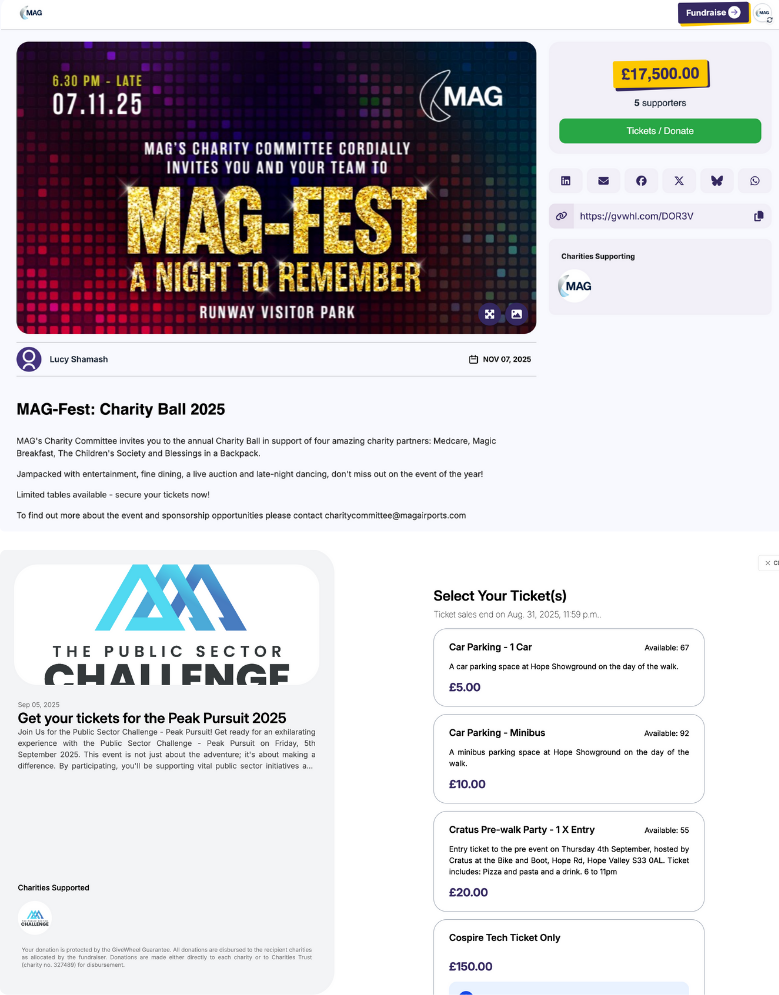
Set up a ticketed page to support a one-off ticketed event, ticketed series, charity raffle or auction. All ticketed events allow an unlimited number of customisable tickets, with the option to set quantities per ticket or per event, and a 'Pay What You Want' option, for fundraisers who want to give autonomy to their supporters! GiveWheel's ticketing also supports registration questions per ticket or per order, and promotional codes to provide discounts to participants. From your ticketing dashboard you can access detailed reporting on ticket purchasers and export data into CSV format.
Ticketed Events: Set up tickets for a one-off event, with customisable quantities.
Ticketed Series: Set up a series of events where participants require a ticket to participate. Sell customisable tickets, and seamlessly direct participants to set up their own fundraising page for the event.
Raffles: Set up a charity raffle with built-in options for free-entry routes or trivia-based questions to help you manage your compliance. Weight different ticket bundles and draw a winner with built in winner generation. Learn more
Auctions: Set up a charity auction with multiple customisable lots. Learn more
Auction:
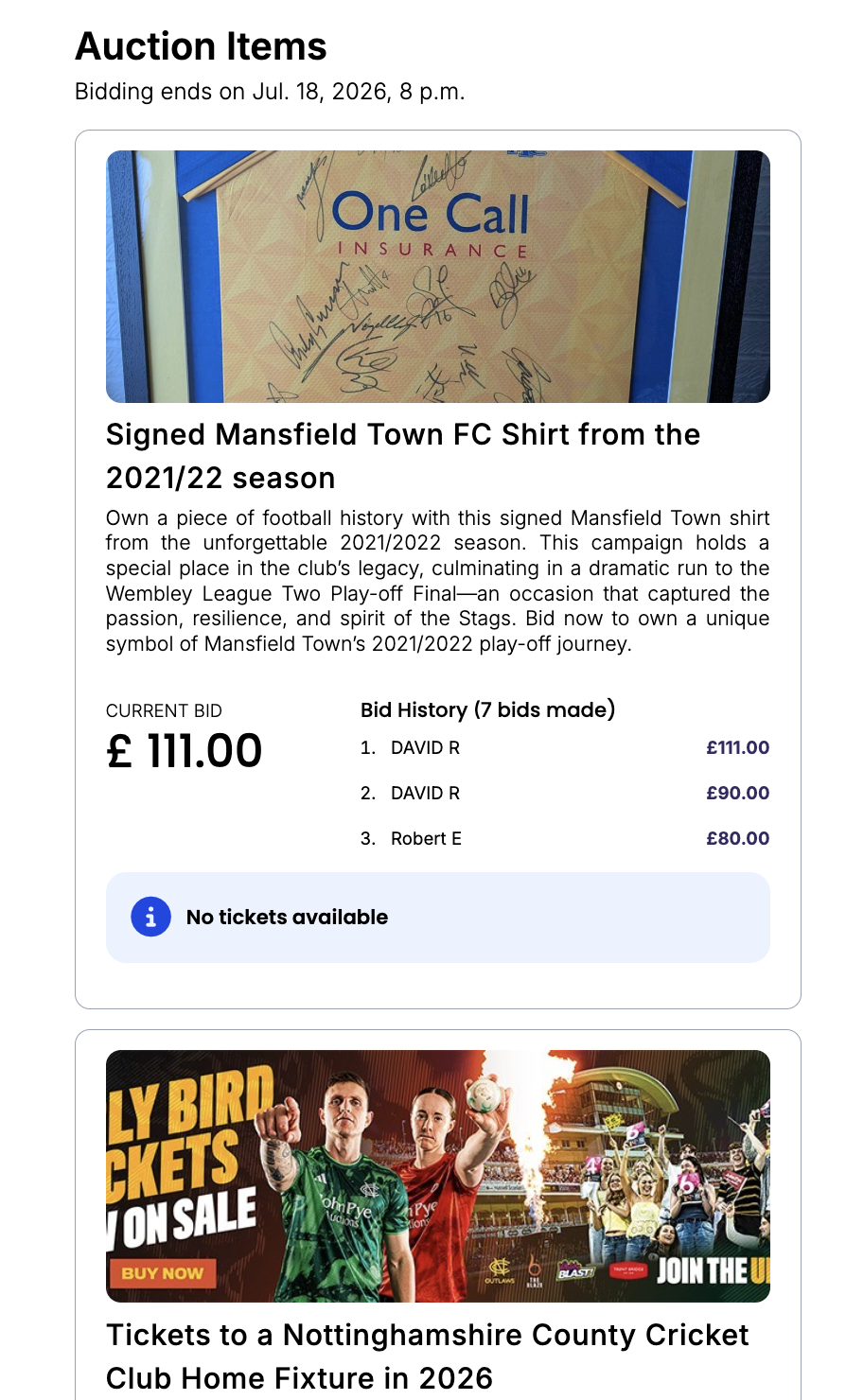
GiveWheel supports two auction formats:
Open Auctions – All bids are visible in real time, allowing supporters to compete throughout the auction.
Closed (Sealed) Auctions – Bidders submit their highest bid without seeing anyone else's offer. Winners are determined once the auction closes.
You can choose the auction format that best suits your event. Add images for your lots, set a starting bid, and watch your auction unfold.
How does bidding work?
Supporters can place bids directly through your fundraising page.
For open auctions, bids are displayed live so participants can see the current highest bid. Throughout the auction, bidders receive email notifications when they are outbid, helping keep engagement high until the auction closes.
For closed auctions, bids remain hidden until the auction has ended.
It's also worth noting that bidding increments follow this logic:
For items whose current highest bid <£100: increment = £1 increase
For items whose current highest bid >£100: increment = 5% increase
What happens when the auction ends?
Once an auction closes, GiveWheel automatically:
Identifies the winning bidder for each lot
Sends the winner an invoice to complete payment
Records auction performance within your dashboard
This removes the need to manually contact winners or collect payments yourself, though please note that the organisation of delivery of the lot is the fundraisers responsibility.
Unsure which page type is most suitable for your fundraiser? Feel free to contact our support team with any queries at support@givewheel.com, and we'll be happy to help.